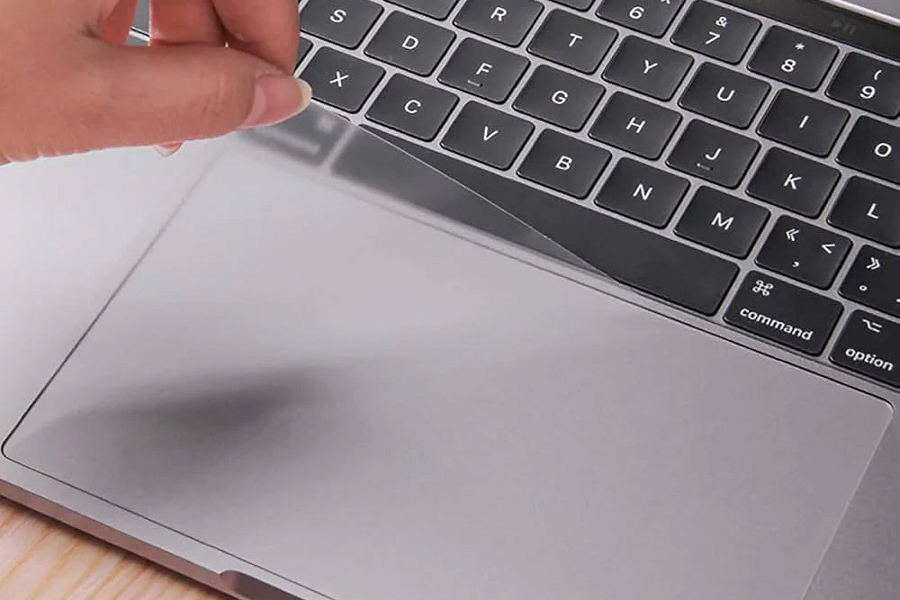
Mac Mini Touchpad Replacement
Mac Mini doesn’t include a built-in touchpad, many users rely on Apple’s Magic Trackpad for a smooth, multi-touch experience. If your Magic Trackpad is no longer responding properly or has suffered physical damage, On Site Services offers fast and reliable touchpad (trackpad) replacement to get your workflow back on track.
Common Magic Trackpad Issues We Fix
-
Trackpad not connecting to the Mac Mini
-
Unresponsive or erratic cursor movements
-
Clicks not registering or stuck “click” issues
-
Gesture malfunctions (e.g., swipe, scroll, zoom not working)
-
Physical damage (cracks, liquid spills, casing issues)
-
Charging or battery problems in Magic Trackpad 2
Why Choose On Site Services?
Apple-Experienced Technicians
Our team is skilled in diagnosing and replacing faulty Apple input devices, including both Magic Trackpad 1 and Magic Trackpad 2.
Genuine Replacements
We offer OEM-quality or authentic Apple Magic Trackpad replacements, ensuring full compatibility and long-lasting performance.
Quick Turnaround
Most touchpad replacements are completed within 1–2 business days.
Affordable Pricing
Competitive and transparent rates—no hidden fees.
Warranty-Backed Repairs
Enjoy peace of mind with our warranty on replacement devices.
Repair vs. Replacement
| Problem | Solution |
|---|---|
| Touchpad not charging | Battery or device replacement |
| No click response | Trackpad replacement |
| Physical damage (spills/cracks) | Full unit replacement |
| Pairing/Bluetooth issues | Diagnostic + repair |
Magic Trackpad Models We Replace
-
Magic Trackpad 1 (A1339) – Original model with AA batteries
-
Magic Trackpad 2 (A1535) – Rechargeable version with Force Touch
-
Third-party touchpads – Logitech, Dell, Keychron & more
Tips to Avoid Future Issues
-
Use a soft pad or surface to reduce impact damage.
-
Avoid using the trackpad while charging to prevent overheating.
-
Clean gently with a soft cloth—avoid harsh chemicals.
-
Keep away from moisture and food spills.